Blog
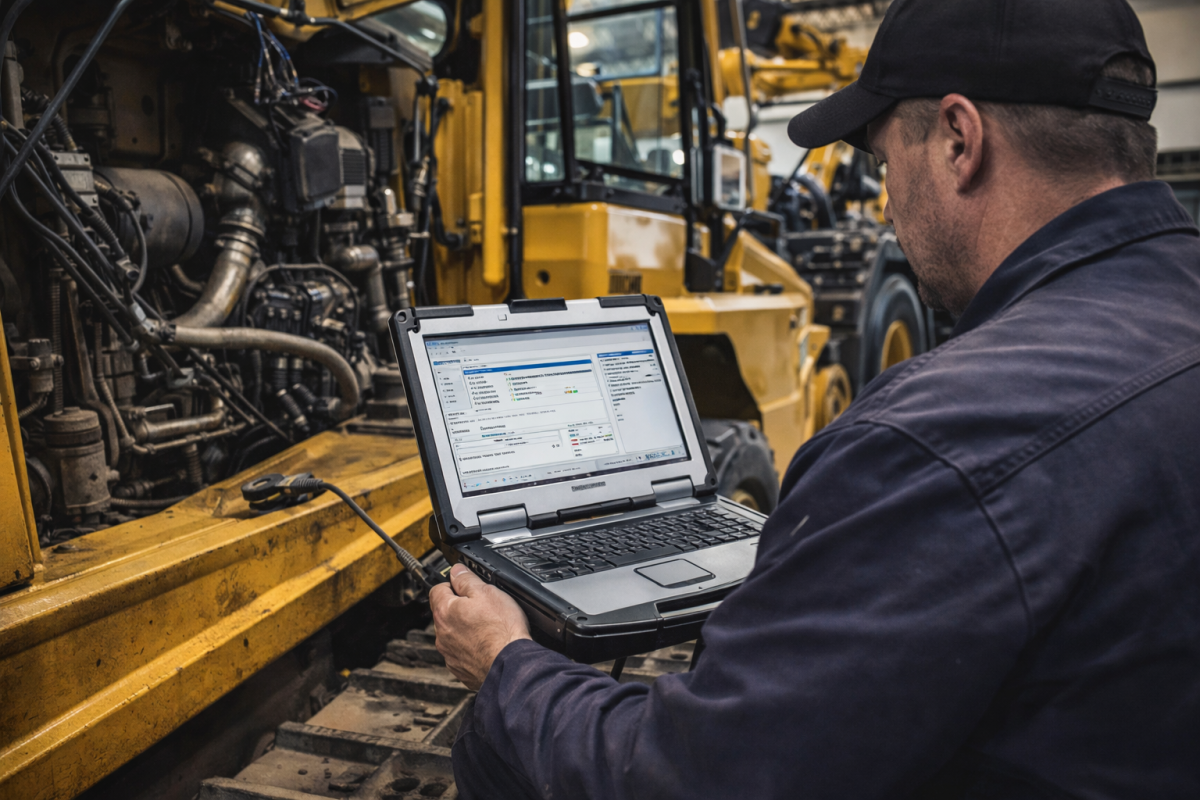
Building the Ultimate Heavy-Duty Diagnostic Laptop Setup for 2026


Modern trucks, construction equipment, agricultural machinery, and industrial engines have become increasingly dependent on electronic control systems.
Gone are the days when a technician could diagnose every problem with basic tools and mechanical experience alone.
Today, professional technicians rely on specialized diagnostic software, OEM service information, and powerful laptops capable of running multiple dealer-level programs.
Whether you’re maintaining a fleet, operating an independent repair shop, or servicing your own equipment, having the right diagnostic laptop setup can dramatically improve efficiency and repair accuracy.
Why a Dedicated Diagnostic Laptop Matters
Many technicians attempt to install diagnostic software on their everyday office or personal computer.
While this may work initially, it often creates conflicts between programs, licensing issues, driver problems, and communication failures.
A dedicated diagnostic laptop provides:
- Stable software performance
- Compatibility with multiple diagnostic interfaces
- Faster vehicle communication
- Reduced software conflicts
- Easier updates and maintenance
- Reliable field operation
Professional diagnostic software often requires specific configurations that are best maintained on a dedicated machine.
Essential Dealer Software for Heavy-Duty Diagnostics
Most repair facilities work on multiple equipment brands. As a result, relying on a single diagnostic platform is rarely enough.
Some of the most commonly used dealer-level programs include:
International NED And DLB
International NED
- Dealer-level diagnostics for International trucks
- Read and clear fault codes
- Monitor live engine and vehicle data
- ECU identification and system health checks
- Troubleshooting assistance for International electronic systems
- Support for multiple International truck platforms
- Access to vehicle configuration information
- Improved diagnostic accuracy and reduced downtime
International DLB (Diamond Logic Builder)
- Configure and customize body controller parameters
- Modify programmable vehicle features
- Support for vocational and fleet applications
- Body Builder Module (BBM) programming capabilities
- Advanced electrical system customization
- Enable and adjust auxiliary equipment functions
- Access to International multiplexed electrical systems
- Essential tool for upfitters and fleet maintenance teams
Isuzu IDSS
IDSS provides access to Isuzu engines and equipment systems, allowing technicians to:
- Read and clear fault codes
- Monitor live data
- Perform calibrations
- Configure parameters
- Run diagnostic tests
Cummings SITE
Cummins SITE remains one of the most important diagnostic platforms for diesel engine repair.
Key functions include:
- Engine diagnostics
- Injector testing
- ECM configuration
- Fault code troubleshooting
- Performance monitoring
Volvos Premium Tech Tool (PTT)
Volvos PTT supports Volvos and Mack trucks with advanced diagnostic capabilities, including:
- ECU programming
- Guided diagnostics
- Service procedures
- System testing
Detroit Diesel DiagnosticLink (DDDL)
DDDL is widely used for Detroit Diesel engines and supports:
- Fault diagnostics
- Parameter adjustments
- Maintenance functions
- Engine performance analysis
Allison DOC
Transmission diagnostics are equally important.
Allison DOC allows technicians to:
- Diagnose transmission faults
- Monitor transmission data
- Perform calibration procedures
- Review maintenance history
JD Service Advisor
For agricultural and construction equipment, Service Advisor provides dealer-level functionality including:
- Machine diagnostics
- Controller testing
- Calibrations
- Guided troubleshooting
Why One Generic Tool Is Not Enough
Many technicians ask whether a universal scan tool can replace multiple OEM programs.
While generic diagnostic software may read basic fault codes, it often cannot:
- Perform calibrations
- Run active tests
- Program controllers
- Access proprietary parameters
- Perform dealer-level troubleshooting
This is why professional technicians often maintain several diagnostic programs on a single laptop.
Hardware Requirements for 2026
Modern diagnostic software continues to grow in size and complexity.
For a reliable diagnostic laptop setup, consider:
Processor
Recommended:
- Intel Core i5 or i7
- Intel Ultra Series
- AMD Ryzen 5 or Ryzen 7
Memory (RAM)
Minimum:
- 8 GB RAM
Recommended:
- 16 GB RAM
Running multiple dealer programs simultaneously benefits significantly from additional memory.
Storage
Many diagnostic platforms require substantial disk space.
Recommended:
- 1 TB SSD minimum
- 2 TB SSD preferred
Fast SSD storage reduces software loading times and improves overall system responsiveness.
Operating System
Most dealer programs continue to support:
- Windows 10 Pro
- Windows 11 Pro
Always verify compatibility before upgrading operating systems.
The Importance of Diagnostic Interfaces
Software alone cannot communicate with vehicles and equipment.
Most systems require specialized communication adapters such as:
- RP1210 adapters
- CNH DPA5
- CAAT Communication Adapters
- Nexiq USB Link
- Dearborn adapters
- OEM-specific communication interfaces
Selecting the correct interface is just as important as selecting the correct software.
Organizing Multiple Dealer Programs
A well-configured diagnostic laptop should be organized for maximum efficiency.
Best practices include:
- Dedicated software folders
- Organized service documentation
- Regular backups
- Antivirus exclusions for diagnostic applications
- SSD health monitoring
- Driver update management
Proper organization helps prevent software conflicts and reduces downtime.
Why Service Manuals Still Matter
Even the most advanced diagnostic software cannot replace OEM service information.
Successful repairs often require:
- Wiring diagrams
- Hydraulic schematics
- Component locations
- Repair procedures
- Torque specifications
- Calibration instructions
Diagnostic software identifies the problem area, while service manuals provide the information needed to complete repairs correctly.
The Complete Diagnostic Solution
The most productive technicians combine:
- Dealer-level diagnostic software
- OEM service manuals
- Parts catalogs
- Reliable communication adapters
- A properly configured diagnostic laptop
Together, these tools create a professional diagnostic environment capable of handling modern trucks, heavy equipment, agricultural machinery, and industrial engines.
Find Professional Diagnostic Software and Manuals
Whether you’re building a new diagnostic workstation or expanding your existing capabilities, access to the right software and technical documentation can significantly reduce troubleshooting time and improve repair accuracy.
Explore our collections:
👉 Diagnostic Software Solutions
👉 Construction And Agriculture Equipment Diagnostic Laptops
👉 Heavy Duty Diesel Diagnostics Laptop
👉 Truck And Heavy Equipment Diagnostic Tools
A properly configured heavy-duty diagnostic laptop is no longer a luxury, it’s one of the most valuable tool s any modern technician can own.
Discover more from The Best Manuals Online
Subscribe to get the latest posts sent to your email.